Optix Gen Automation

From plant floor to operator screen — with evidence you can trust.

OptixGen is an industrial commissioning platform for teams delivering FactoryTalk Optix projects. One Windows Hub, iPad authoring, and read-only field capture — designed so integrators move faster without cutting corners on safety or review.

Product previews and technical deep-dives are intentionally limited while we prepare for launch.

3 Surfaces — Hub, iPad, iPhone
1 Commissioning workspace per project
0 PLC writes from field capture
Full metrics at public launch

The platform

Three surfaces. One commissioning story.

OptixGen splits roles across devices so the right work happens in the right place — without mixing field capture, project authority, and operator-ready output.

Windows Hub

Prove · Generate · Validate

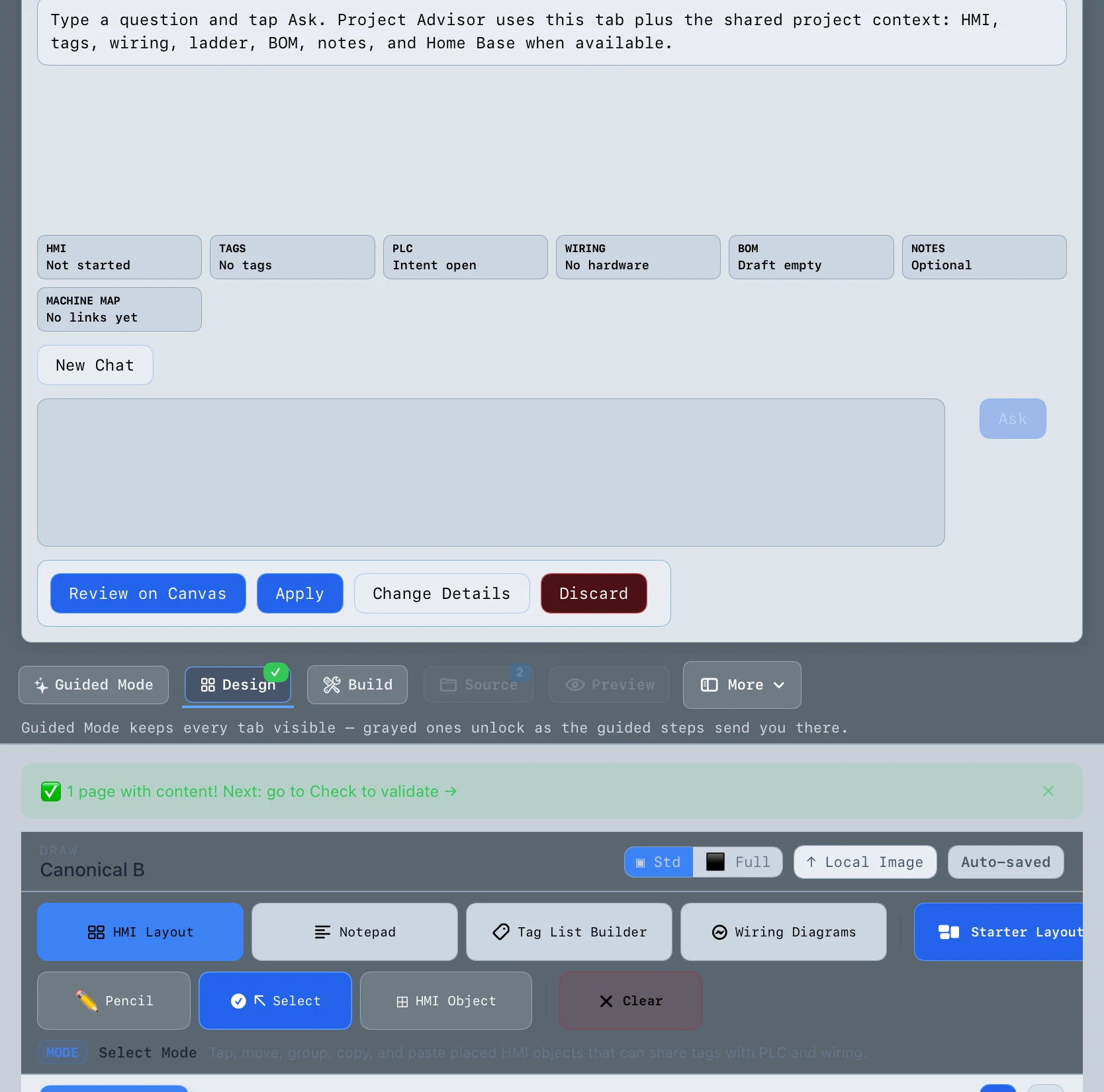
The engineering workstation. Intake, project generation, validation, and runtime proof stay on Windows where your Optix toolchain lives.

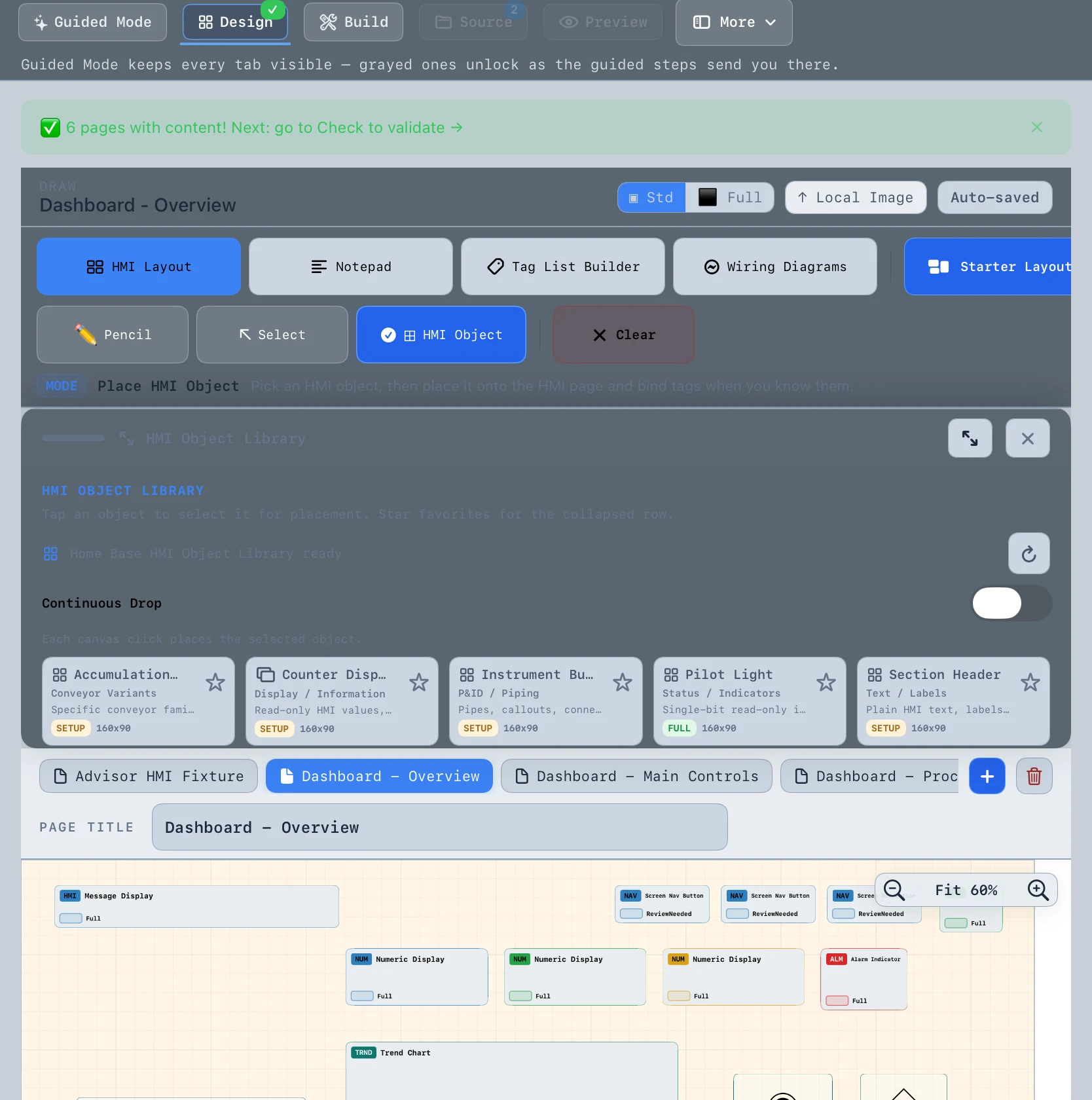
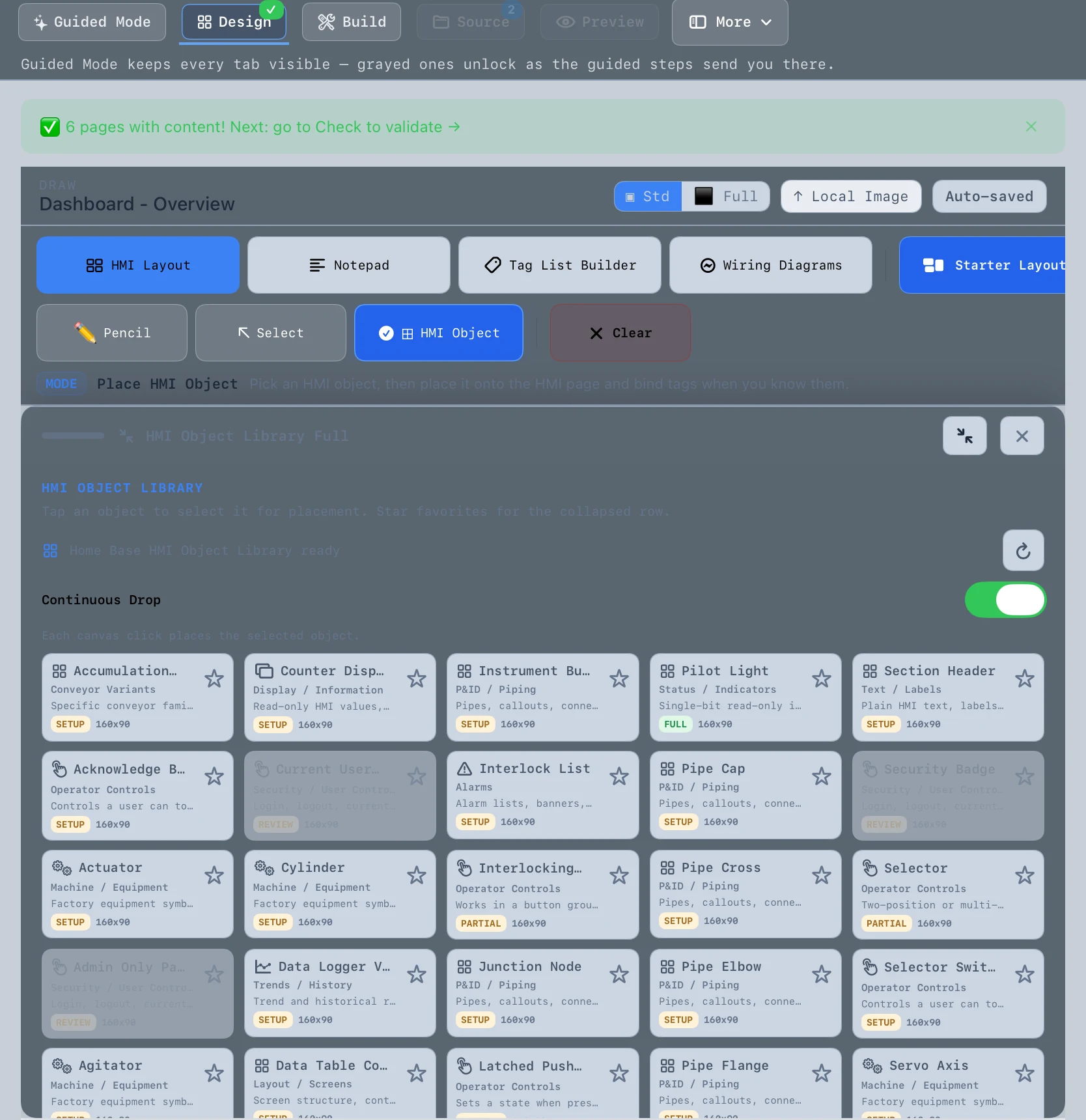
Screenshots coming soon

iPad

Author · Review · Accept

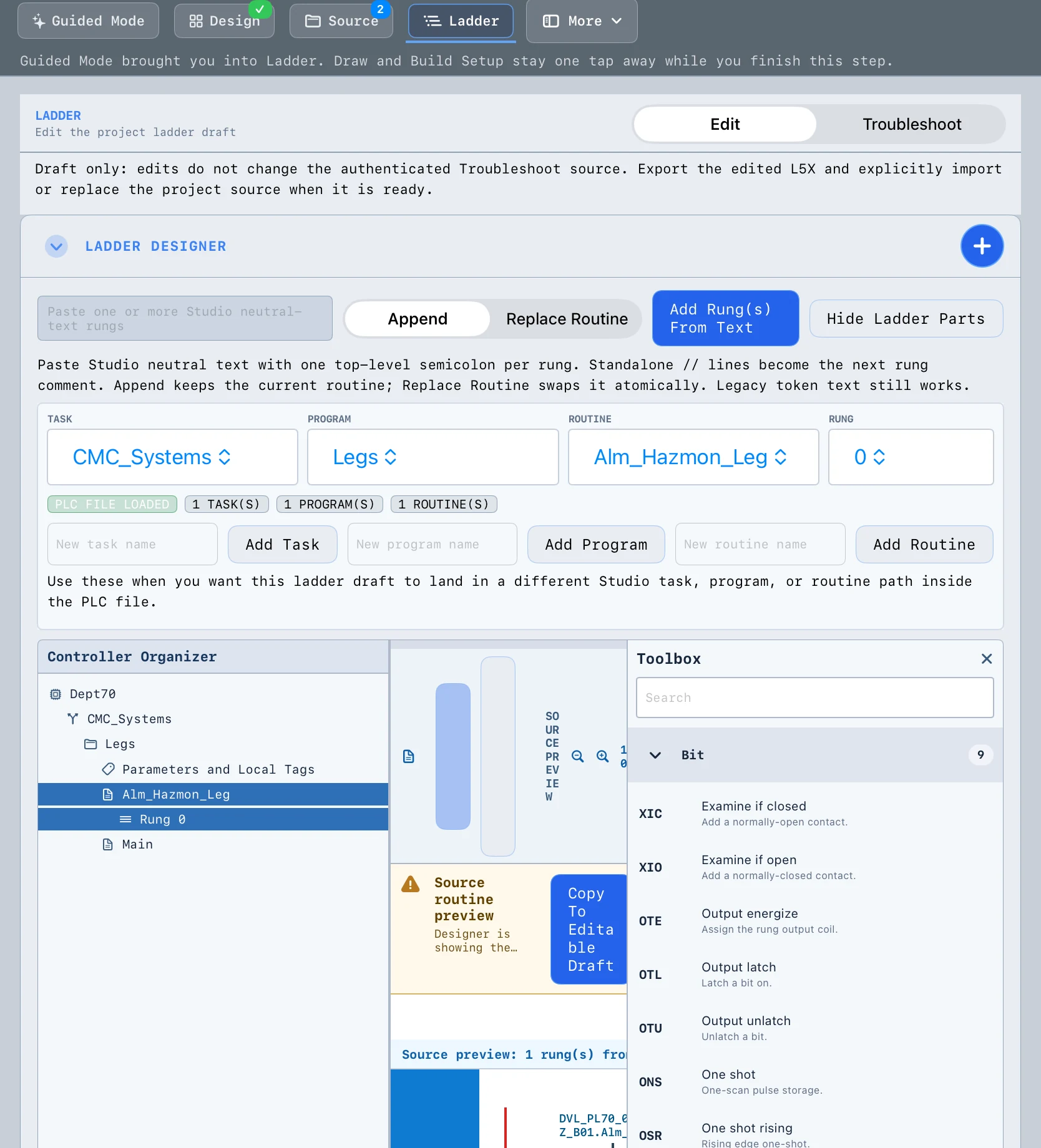
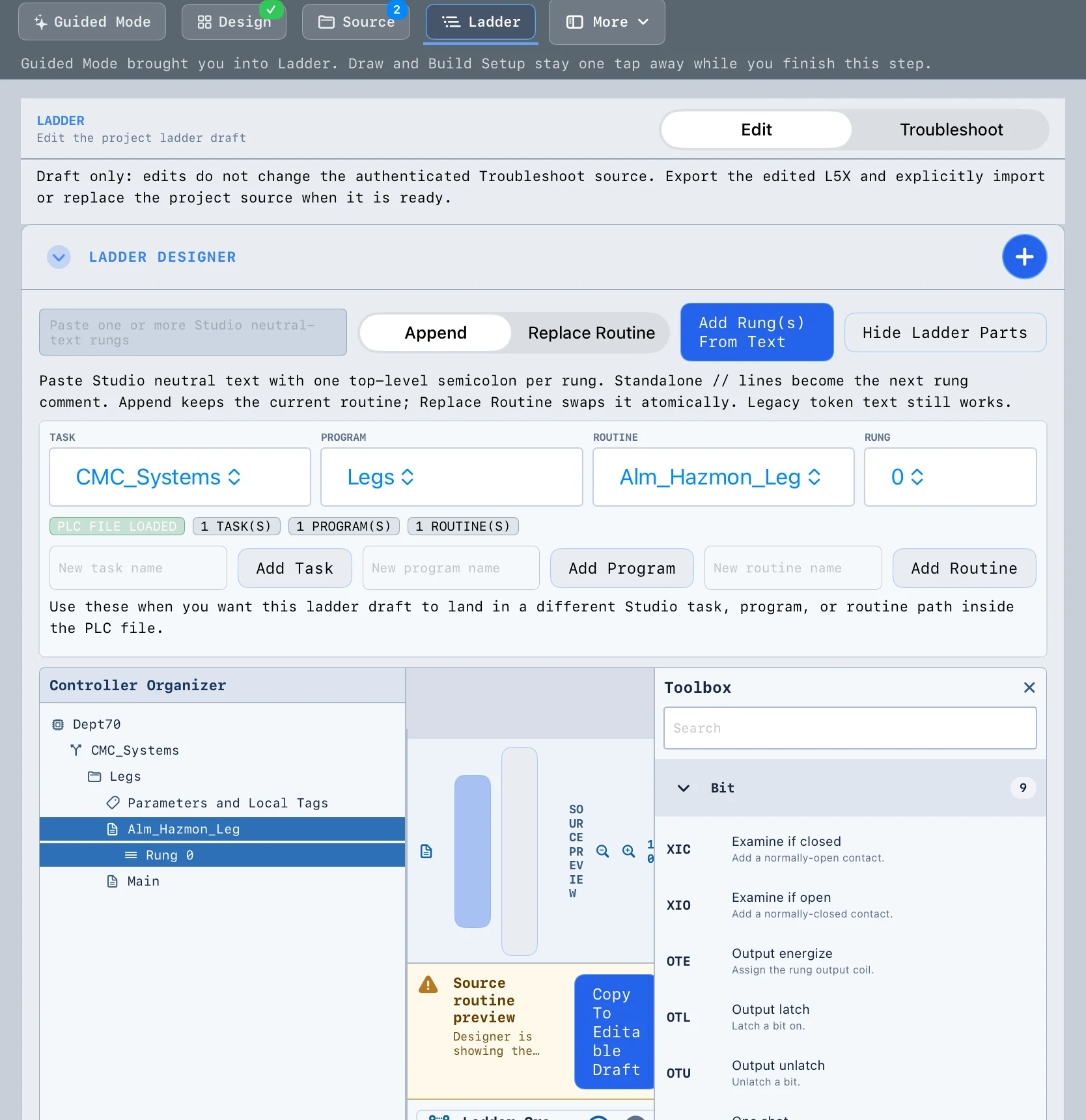
Authoring and review on the floor or in the panel shop. Capture intent, manage workspaces, and accept field evidence deliberately.

Screenshots coming soon

iPhone

Capture · Relay · Read-only

Field proof without write authority. Pair to the Hub with a short-lived PIN and relay read-only evidence back to the project workspace.

Screenshots coming soon

Capabilities

Built for the full commissioning arc

OptixGen spans project intake through validated delivery. Specific workflows and automation details are withheld until launch — here's the shape of what we're building.

  • Build

    Project intake & generation

    Bring controller context and commissioning inputs into a structured workspace — then produce reviewable Optix project output.

    Details at launch
  • Review

    Evidence & advisory review

    Accept or reject field evidence with explicit trust tiers. Advisory assistance stays gated — nothing silently becomes project truth.

    Details at launch
  • Look & feel

    HMI layout & control design

    Shape operator-facing structure before runtime. Control and screen design tools integrated with the Hub workflow.

    Details at launch
  • Connect

    Controller & field coupling

    Live reads and field snapshots scoped to the active project — read-only by default on plant networks.

    Details at launch
  • Deliver

    Quote, BOM & customer packs

    Parts lists and end-user deliverables tied to the same project workspace integrators already trust.

    Details at launch
  • System

    Licensing, settings & ops

    Seat-based access for field teams, admin controls, and deployment packaging built for integrator delivery models.

    Details at launch

Workflow

How integrators use OptixGen

  1. 1

    Open a commissioning workspace

    Start from your Hub on Windows. One workspace per customer project — source files, submissions, and output stay together.

  2. 2

    Author and intake on iPad

    Capture sketches, notes, and review packages in the field or at the desk. Pair tablets to the Hub with controlled access.

  3. 3

    Generate and validate on the Hub

    Run the generation pipeline, validate structure, and prove runtime readiness before anything ships to the customer.

  4. 4

    Prove in the field — read-only

    iPhone captures PLC evidence on the plant network. No write authority. Authors accept evidence into the workspace explicitly.

  5. 5

    Deliver with confidence

    Hand off validated Optix projects and customer-facing reports — with an audit trail from intake to acceptance.

Pipeline labels are illustrative. Technical specifications will be published at launch.

Trust & safety

Commissioning software should fail safe

  • Read-only field default

    Field devices relay evidence — they do not silently promote tags or write to PLCs.

  • PIN-scoped pairing

    Short-lived PINs bind phones and tablets to the correct Hub workspace.

  • Trust-tier evidence

    Verified, unverified, and tampered states. Authors accept evidence deliberately.

  • Validation before delivery

    Output is checked against project rules before it becomes customer-facing.

  • No silent AI promotion

    Advisory features are gated. Recommendations require human acceptance.

  • Independent software

    OptixGen is not affiliated with or endorsed by Rockwell Automation or FactoryTalk Optix.

Who it's for

Built for teams already in the Rockwell ecosystem

System integrators

Standardize Optix delivery across projects. Reduce manual HMI assembly and repeat the same quality bar job after job.

Controls & HMI engineers

Spend less time on repetitive screen work and more on machine-specific logic and operator experience.

Commissioning leads

Collect field proof with read-only safety. Know what was verified before sign-off.

OEM engineering groups

Template repeatable machine lines with a Hub-centric workflow — details for OEM programs at launch.

Why OptixGen

Not another generic SCADA tool

OptixGen is purpose-built for FactoryTalk Optix commissioning — not a bolt-on for every vendor stack.

Manual Optix Studio Generic SCADA / AI tools OptixGen
Optix-native output Yes Often no Yes
Integrator workflow Manual Varies Hub + iPad + iPhone
Field capture safety N/A Often write-capable Read-only default
Validation evidence Ad hoc Varies Built-in
Public details today Full Full Preview / early access

Early access

We're onboarding private integrator pilots

OptixGen is in active development. We're working with a small number of Rockwell-centric integrators before public launch. Demos, pricing, and full product documentation will follow closed beta feedback.

  • Private pilot program — limited seats
  • Founder-led onboarding and support
  • NDA-friendly technical review available
  • Pricing published before general availability

What you'll get in a pilot

  • Windows Hub + iPad + iPhone access
  • Real project workspace on your network
  • Direct line to product feedback
  • Early adopter pricing consideration
Apply for early access

FAQ

Common questions

Is OptixGen affiliated with Rockwell Automation?
No. OptixGen is independent software built for teams using FactoryTalk Optix. It is not endorsed by Rockwell Automation.
Can I buy it today?
Not yet. We're in private early access. Contact us to discuss a pilot if you're a Rockwell-centric integrator.
Why aren't there product screenshots?
We're intentionally limiting public technical detail until launch. Pilot partners receive full access under NDA.
What do I need to run OptixGen?
A Windows Hub machine on your integrator network, FactoryTalk Optix tooling for your projects, and iOS devices for field roles. Full requirements doc coming at launch.
Does field capture write to my PLC?
No. iPhone field capture is read-only by design. The Hub remains the authority for project output.

Contact

Let's talk

Early access, pilot applications, and partnership inquiries.

Company
Optix Gen Automation (d/b/a OptixGen)
Contact
Brandon Justice
Location
Towanda, Illinois
Email
bjustice@optixgenautomation.com
support@optixgenautomation.com
Phone
502-385-8583